
The Marvinet platform provides an automatic alert functionality that allows you to receive a daily update on each new deal entered into the platform.
Access the Alert section of the Marvinet platform
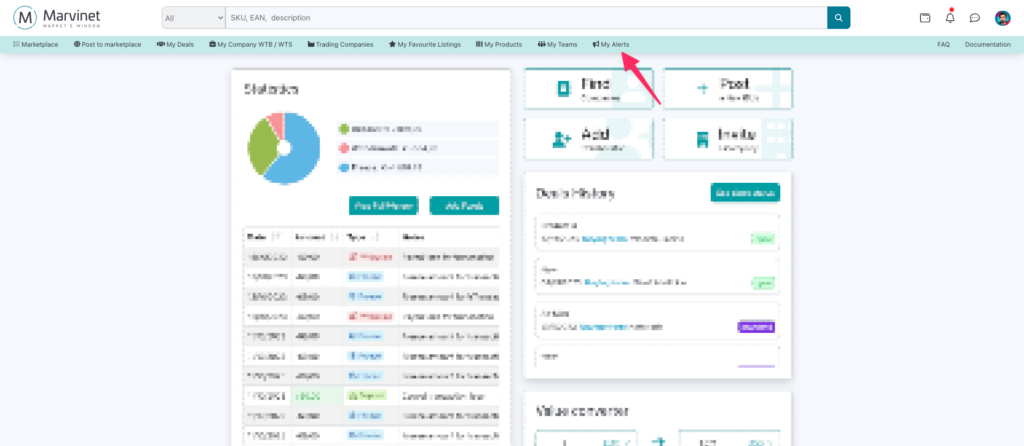
Click on the “Alert” item in the application navigation menu
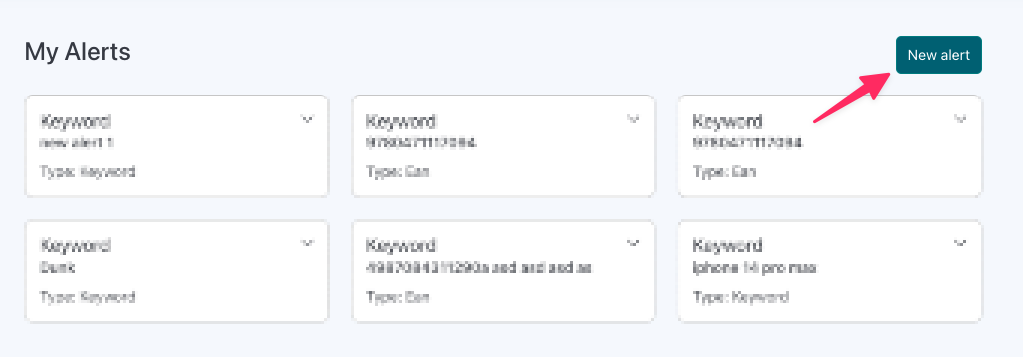
Click on the “New Alert” item
A modal will appear containing the information necessary for creating the new alert.
You can choose whether to set an alert based on the name of a product, or on a particular EAN code, if you are looking for an extremely specific product
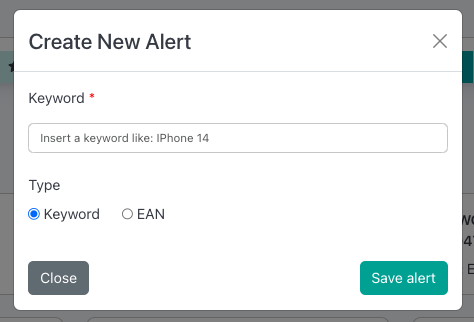
Once you have set the fields as desired, click on “Save Alert”.
From now on, every new offer on the marketplace corresponding to the alert you set will be sent to you via email to the address associated with your account.
Alert emails are sent once a day, usually in the morning