Marvinet works best when you collaborate with other members of your company.
Adding a collaborator to your Marvinet account is quick, easy, and at no cost.
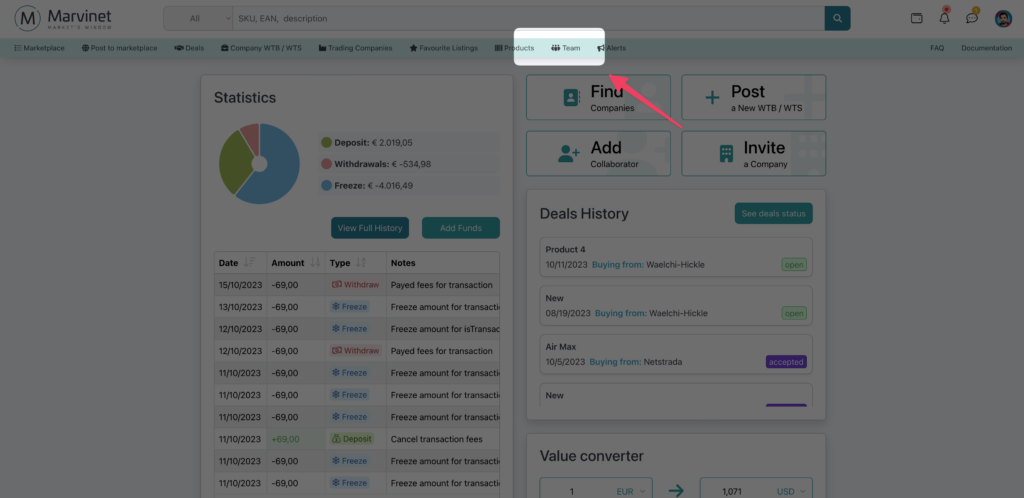
Access the Team panel
First, click on the “Team” menu item in the main navigation menu of the application
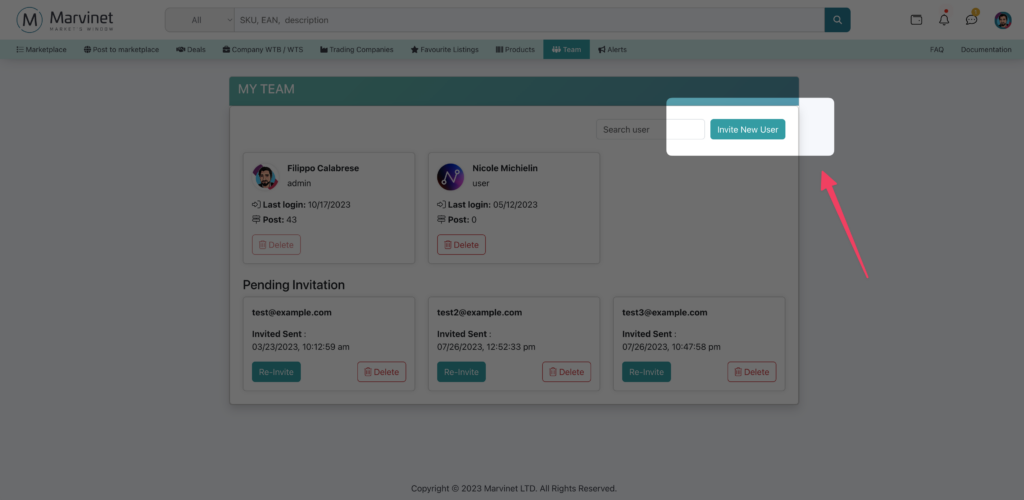
Inviting a Collaborator
To add a new contributor, click on the “Invite New User” item.
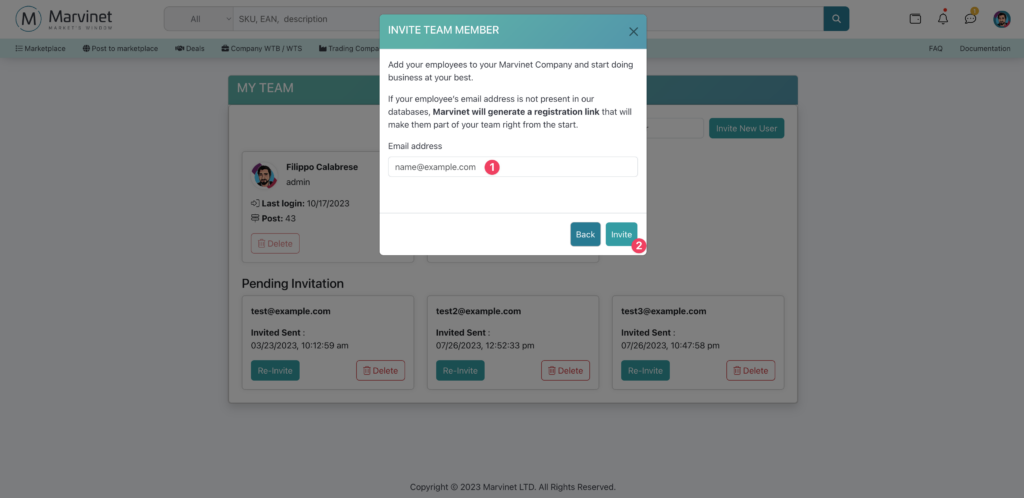
Enter the email of the contributor to be invited. Next, click on “Invite”
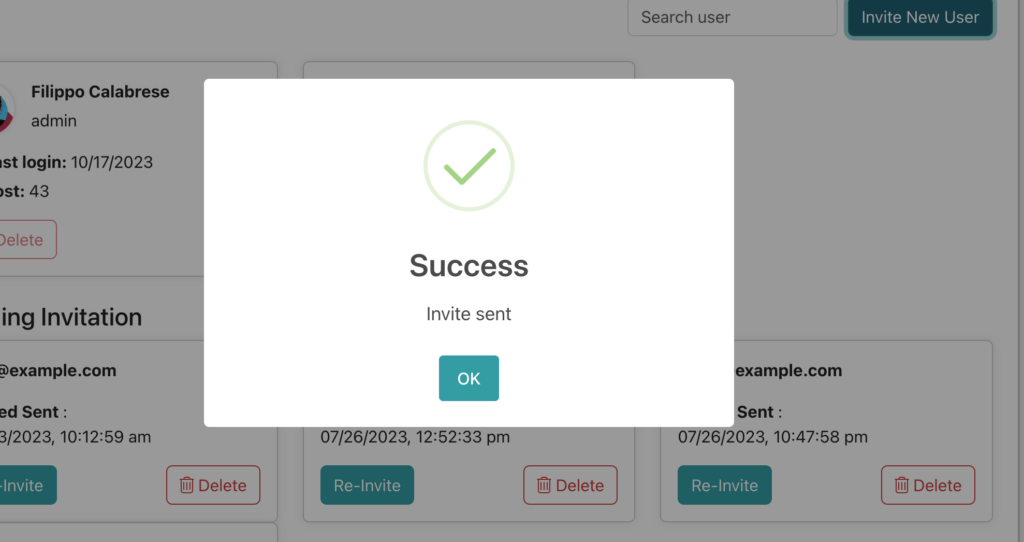
A confirmation dialog certifies that the user has been invited
Activating the new account
Your contributor will be emailed a link containing the secret invitation code. By clicking on the link in the email, you can access the dedicated registration panel.

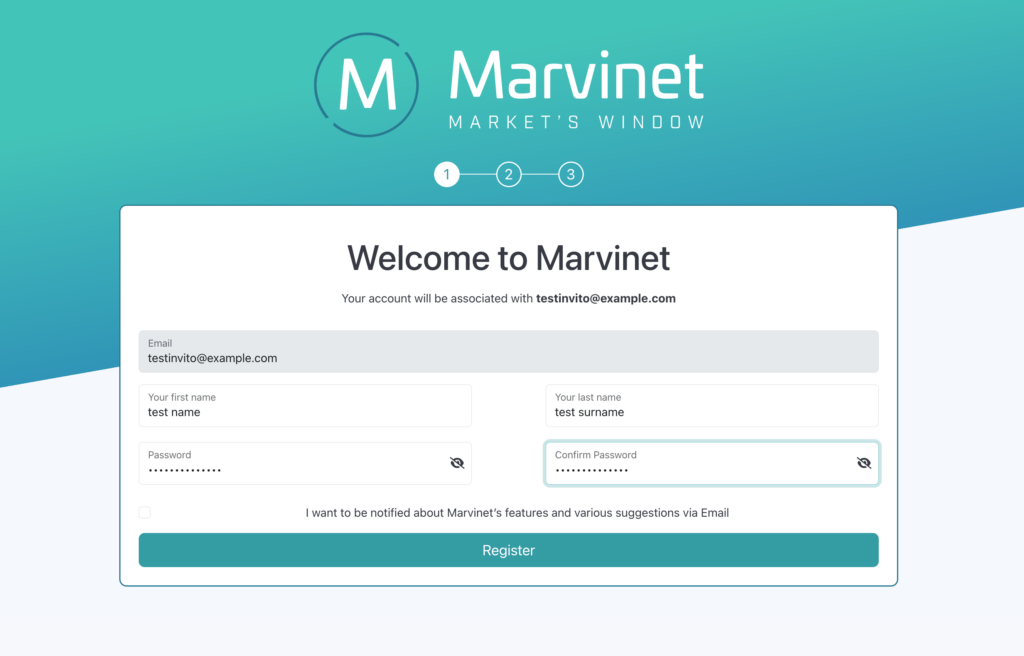
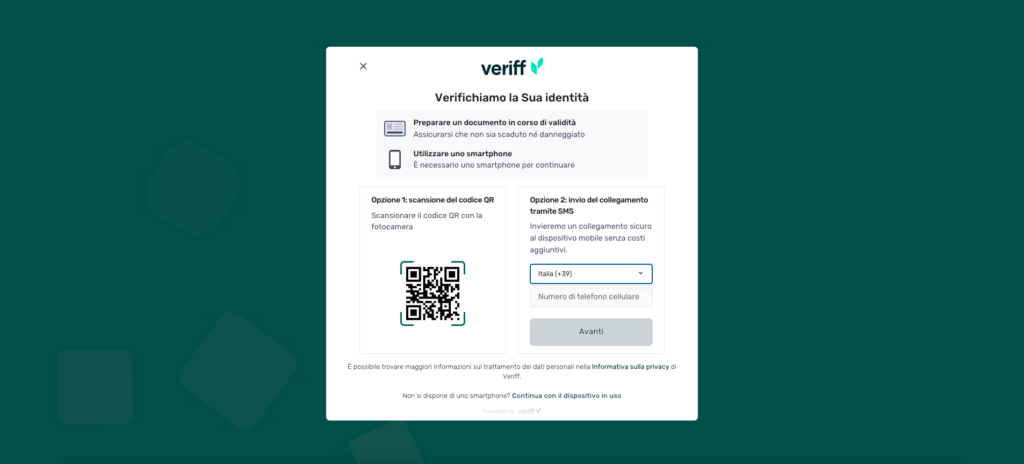
Upon completion of registration, the identity verification process will still be carried out through the Veriff Station platform.
For more information regarding Veriff Station, please refer to the official website.