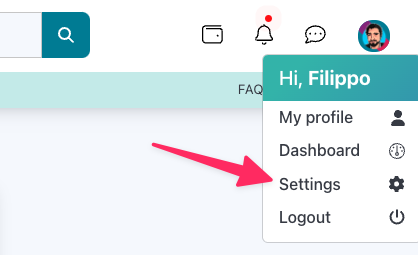
Access corporate settings
To access the business settings menu, click on your avatar in the upper right corner of the application user interface. Next, click on the “Settings” item
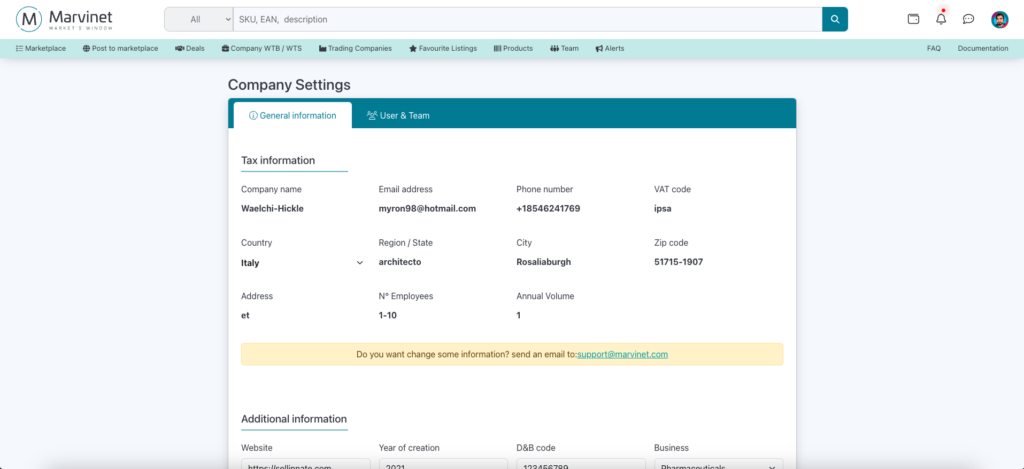
Change core business settings
Company master settings are not editable as they are subject to verification by Marvinet.
Changing company-related master information is an operation that requires the intervention of a Marvinet agent.
If you need to change this company information, we ask that you send an email to compliance@marvinet.com attaching all documentation to support the changes you are requesting.
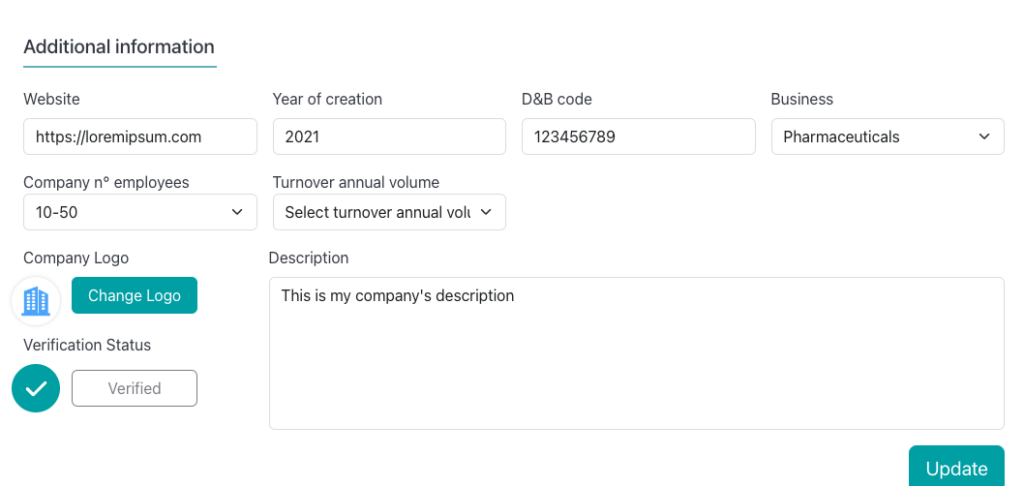
Changing additional business details
Unlike the company’s main settings, additional information is freely editable by the user.
In fact, this information is not subject to verification by Marvinet and remains freely variable at the discretion of the company’s users.
The information shown here is displayed within the company profile