If you need help creating your account, this article will guide you in creating your Marvinet account. The steps below will explain the various steps required to create, verify and activate your account.
Start your account creation
Initializing your new account
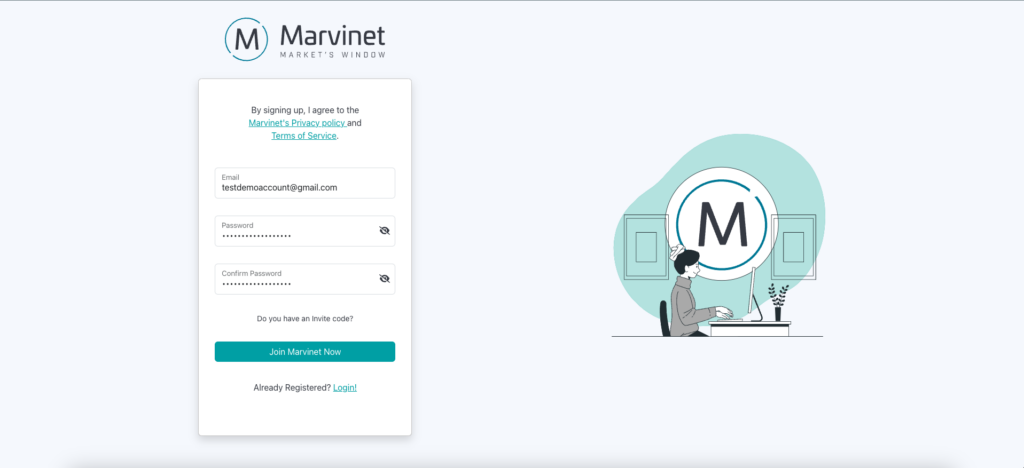
First, log on to https://platform.marvinet.com/register and fill in the required fields, entering your email and choosing a password
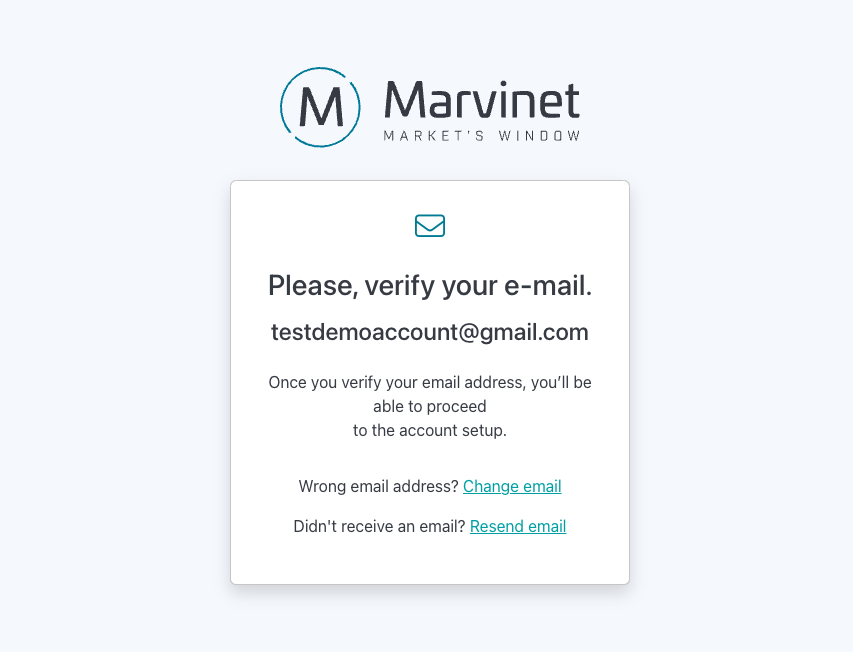
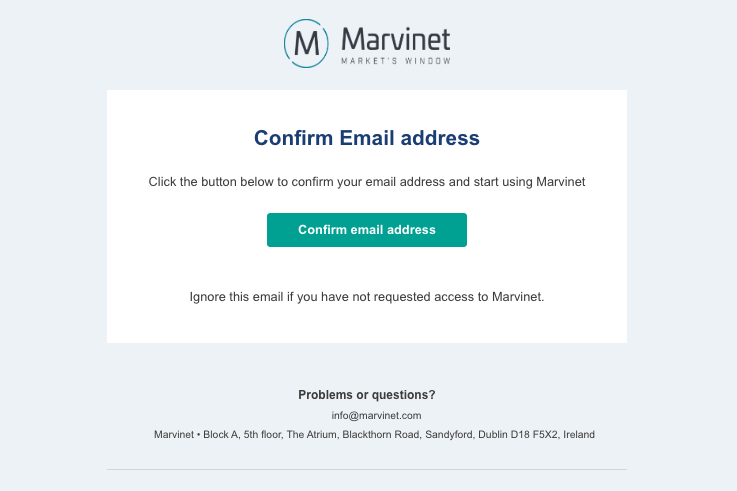
An email will be sent to the address you specified. The email contains a unique verification link: click it
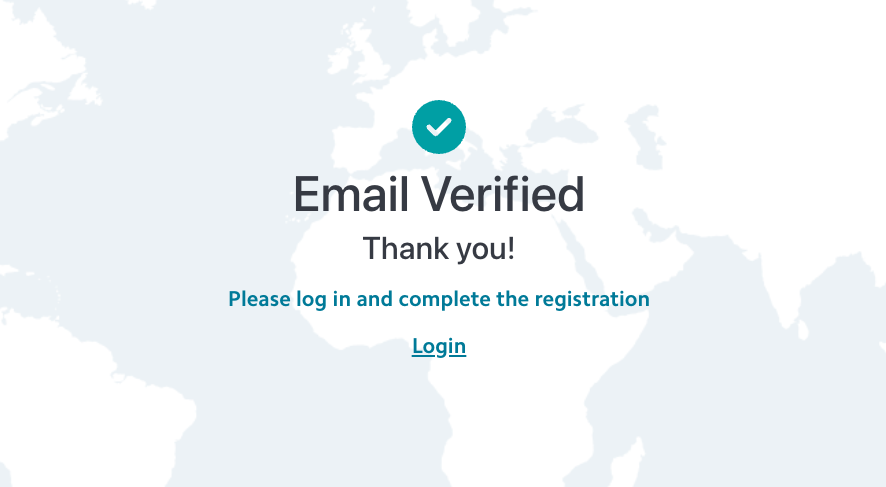
After verifying your email address, you will be able to log into your new Marvinet account
Setting up required information
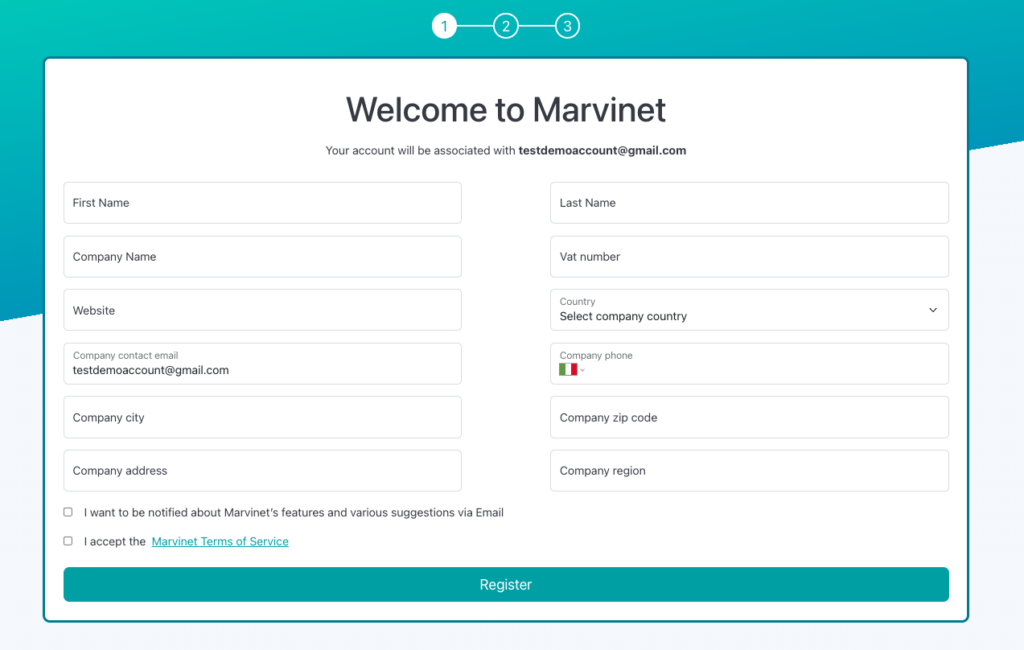
When you first log in, you will be asked to provide your company’s tax information, as well as an email address and a company contact phone.
Please note that this information is not required for login purposes, but is only used to provide other platform users with contact information for your company.
The information you phonon at this stage will then be made available to other users on your company profile and will also be used by the Marvinet team to continue the verification activities you perform later
Verifying your mobile phone number
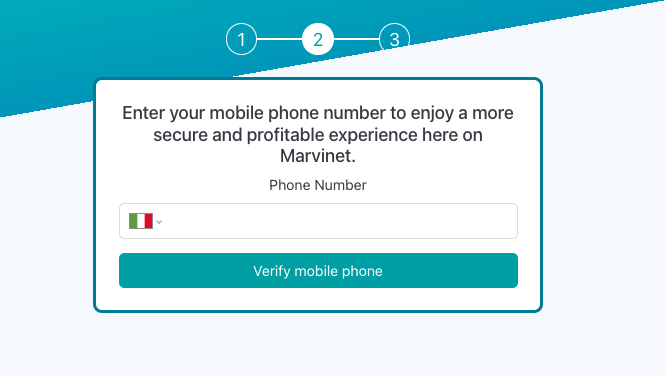
The next steps will take you to verifying your mobile number.
The mobile number you choose to verify may be used in the future to request confirmation of transactions performed on the platform, as well as provide you with an emergency access system, should you lose access to your two-factor authentication security codes.
Enter your mobile number that you wish to associate with your account. You will receive a hexadecimal verification code via SMS which you will be asked to enter on the platform to confirm the pairing of your phone.
What to do if you don’t receive your verification code?
It usually takes just a few seconds for our SMS code to reach out your mobile phone.
Although we use the best technologies for sending SMS, depending on the case, various circumstances may arise that may delay or prevent the delivery of the SMS verification code for your account.
The best-known case is that of a mobile phone that is outside its country of origin: in cases similar to this, our messages can take up to 15 minutes to be delivered.
Enabling Two Factor Authentication
The security of your Marvinet account is of vital importance to us.
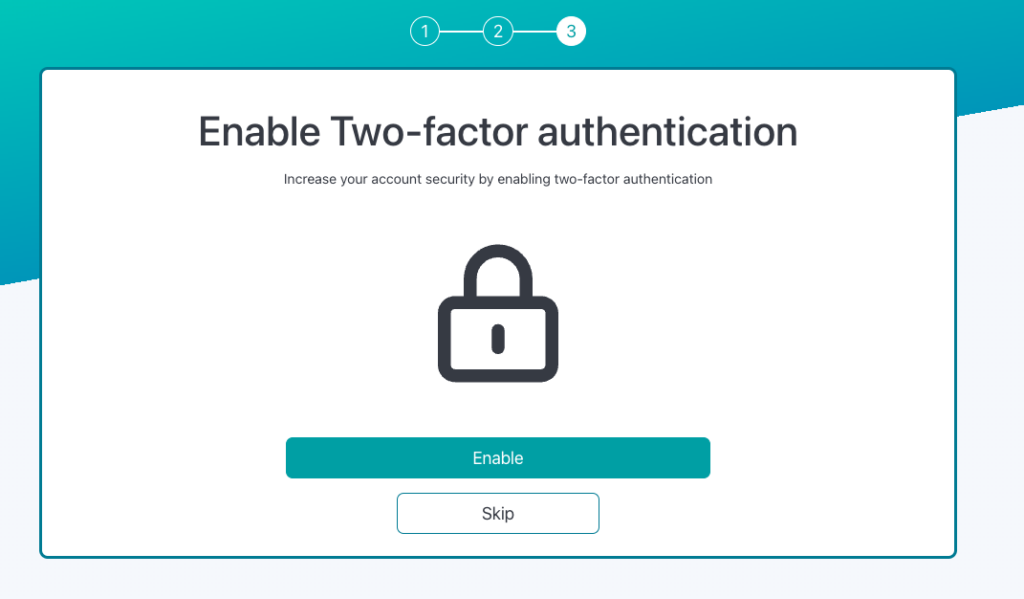
For this reason, we strongly recommend that you enable two-factor authentication during the account opening process.
This only takes a few minutes to do and the safety benefits are definitely worth it.
To complete activating two-factor authentication, you will need an application for your phone that allows you to save passcodes.
In this regard, we recommend using Google Authenticator (App Store | Play Store)
Identity Verification Execution
The last step necessary to open your Marvinet account is verifying your identity.
Security and reliability are the two pillars on which all of Marvinet’s work is based.
In this regard, all users who decide to register on the platform must undergo a verification process which aims to guarantee the identity of all users operating on the platform.
This allows us to dispel fraud attempts within Marvinet and helps create a secure and verified system.
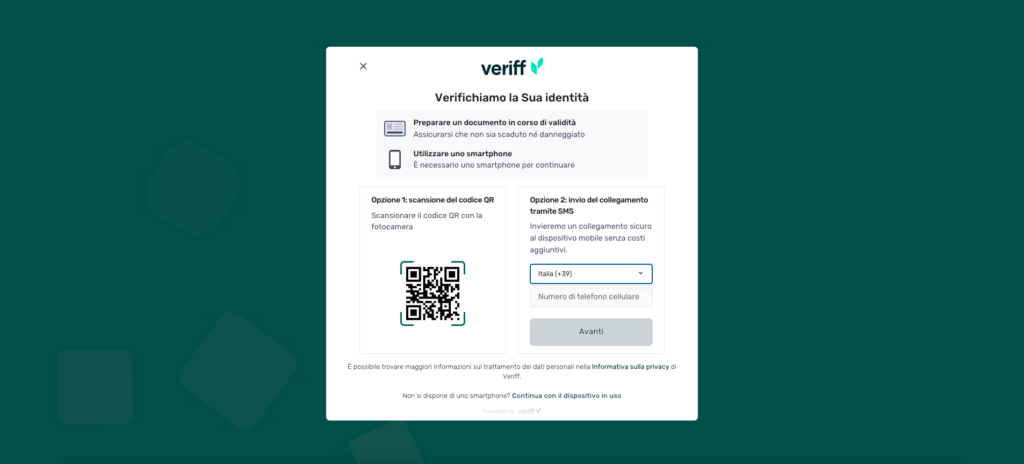
Identity verification occurs through a quick and intuitive procedure. Simply scan the QR code that will be displayed on the screen and follow the guided procedure.
The verification procedure is carried out by our partner Veriff in compliance with current regulations in the field of personal data protection. For further information regarding the processing of your data, please refer to our privacy policy, to our terms and conditions and as well as to the official Veriff Station website